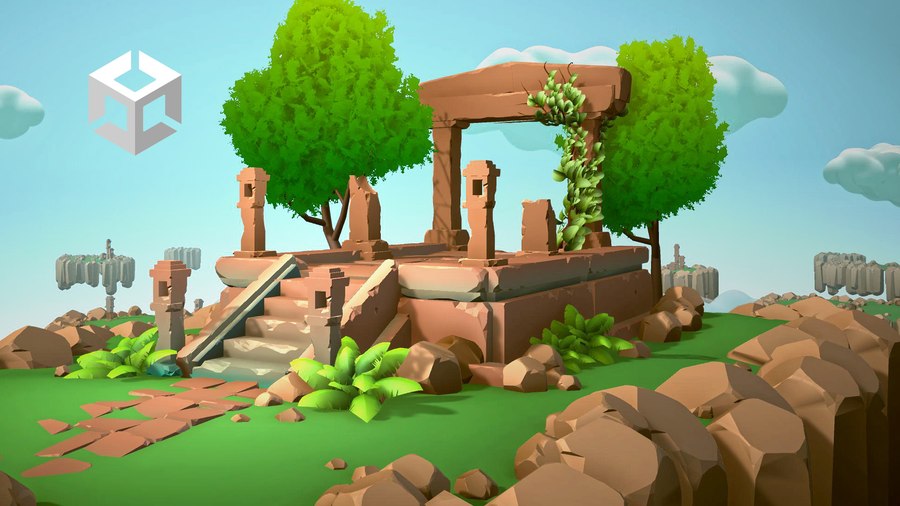
The procedural tools in this starter kit can be used to generate game art for your levels.
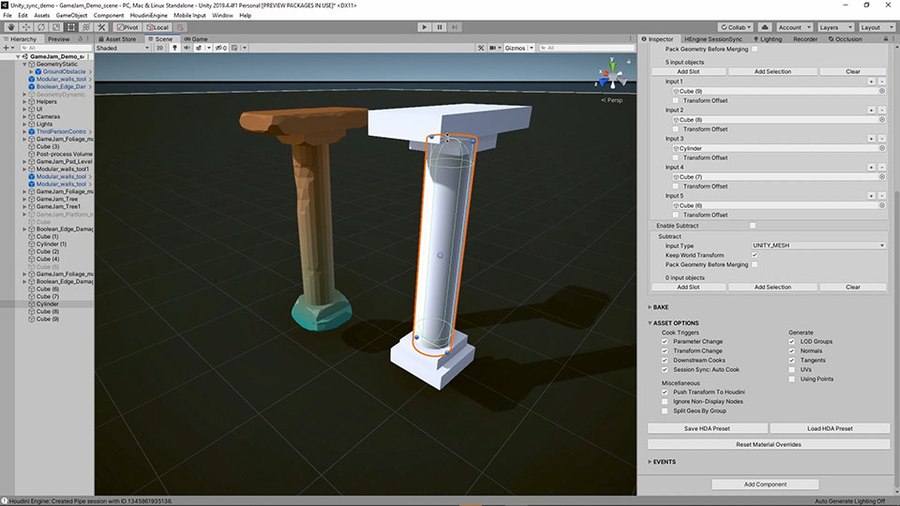
This tool lets you select multiple pieces of geometry from your game engine that will then be turned into a single mesh using Booleans then set up edge damage to make the resulting mesh look aged.
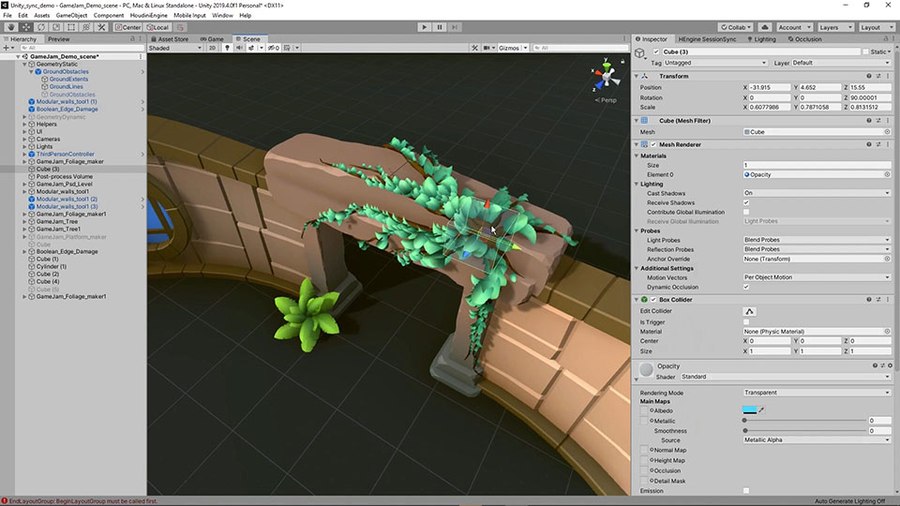
Foliage can be added to your game level as plants on the ground or attached to geometry to create vines. You have control over the shape of the leaves, how many are there and how they interact with other objects.
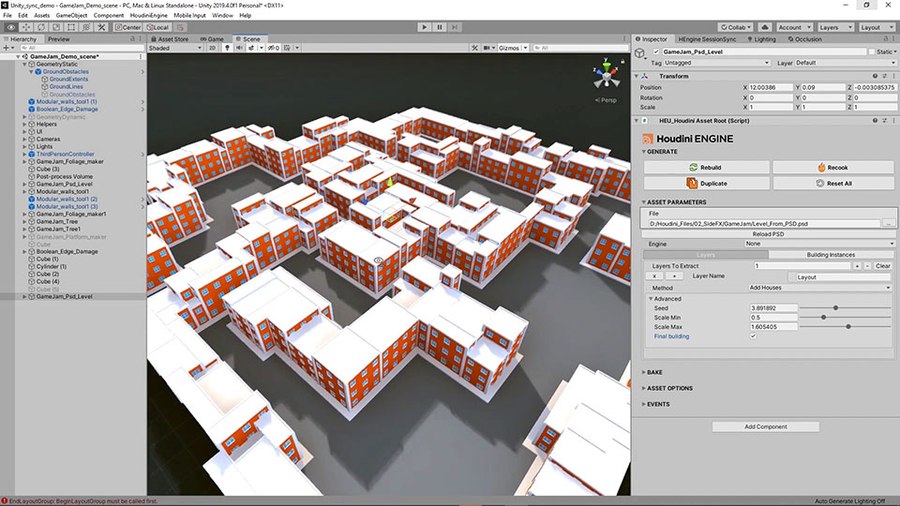
This tool lets you generate a level using a Photoshop PSD file. This creates spaces that can be populated with objects and the walls that divide the spaces can be set up with geometry to create buildings.
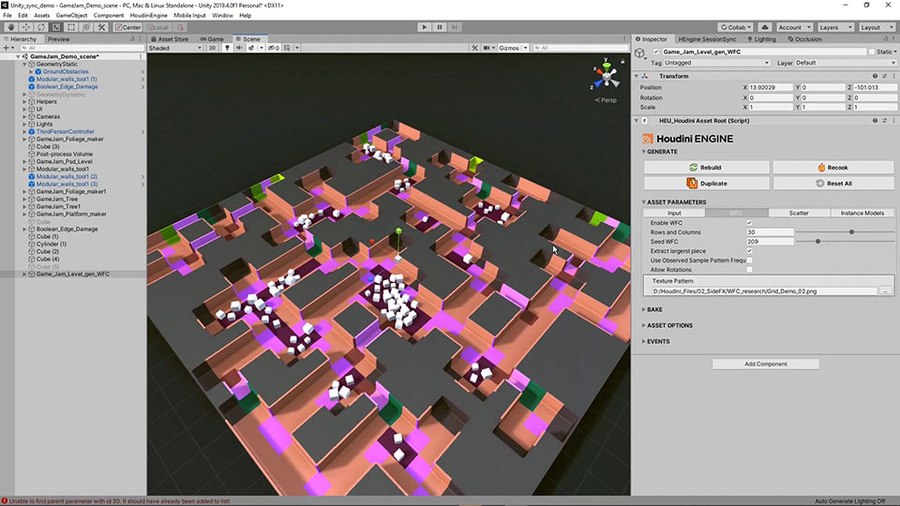
Using the WaveFunctionCollapse algorithm, this tool lets you generate game levels using an outside image as a driver. You can also use shapes in your game editor to influence the results and can automatically scatter elements throughout the spaces generated by the tool.
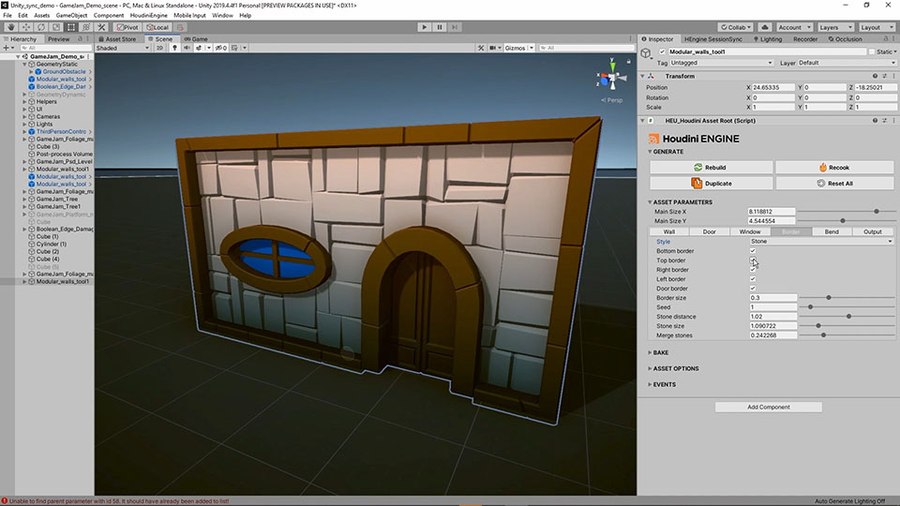
This tool creates walls with windows and doors. You have control over the size of the wall and the placements of the elements. You can also bend the wall and change its look using a border which you can shape using a ramp.
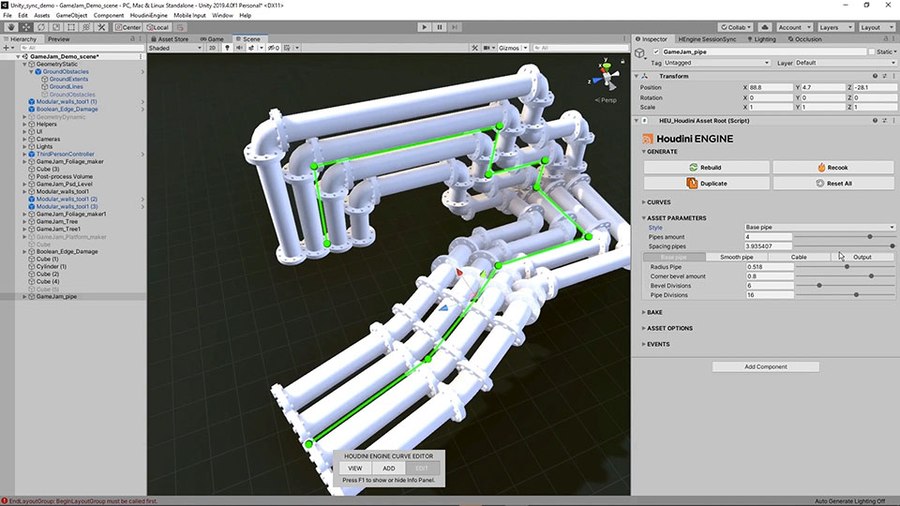
Quickly create pipes or cables for your level using a control curve to drive the shape. You can have a single pipe or multiple pipes drawn along the curve depending on the look you want for your level.
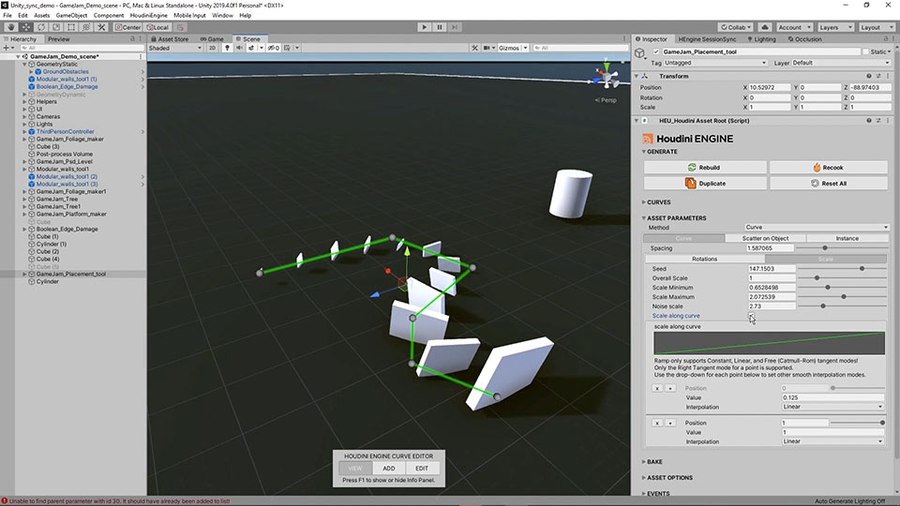
This tool lets you place multiple objects along a curve or scattered onto an object. You can control the orientation and scaling of the objects to insert some randomness into your design.
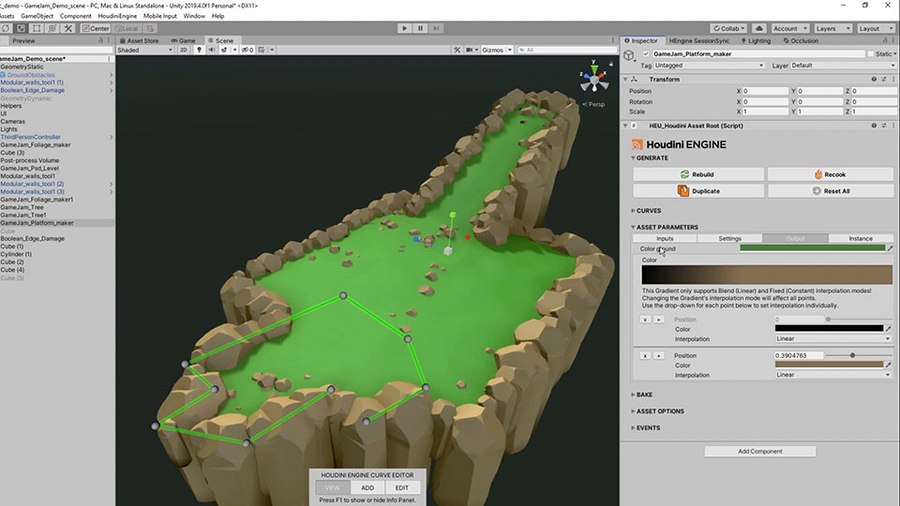
Create platforms for your game using this versatile tool. You can use shapes in your game to drive the placement of the platform or use a curve. You can add an edge to the platform and scatter some debris on its surface.
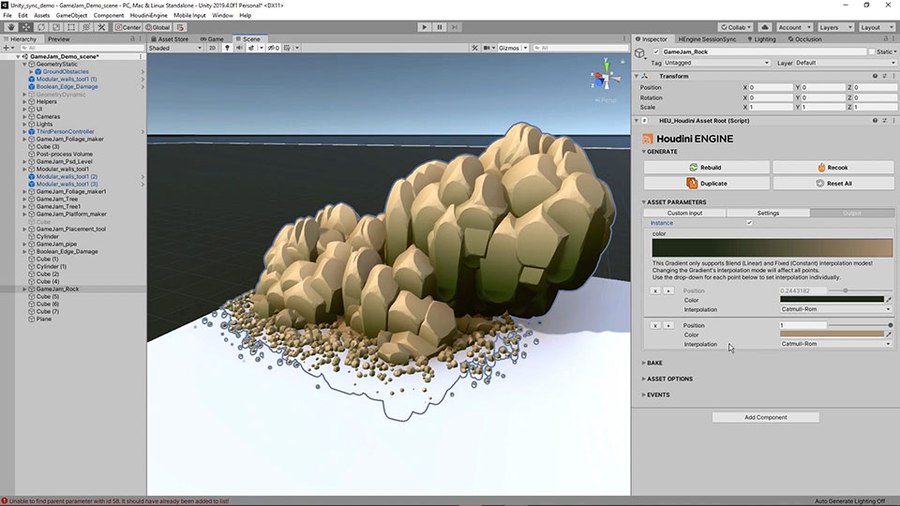
This tool lets you create rock formations to use in your game level. You can take geometry from your editor and use that to drive the shape of the rocks and you can add smaller rocks where the formations touch the ground.
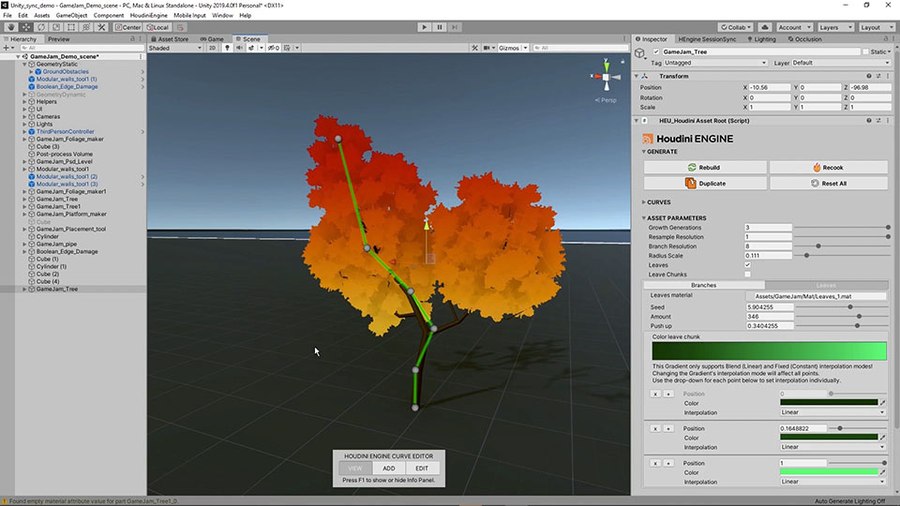
With this tree tool, you can set up different kinds of simple trees for use in your game. You control the tree's shape using a curve and can set up a simple canopy or instanced leaves.
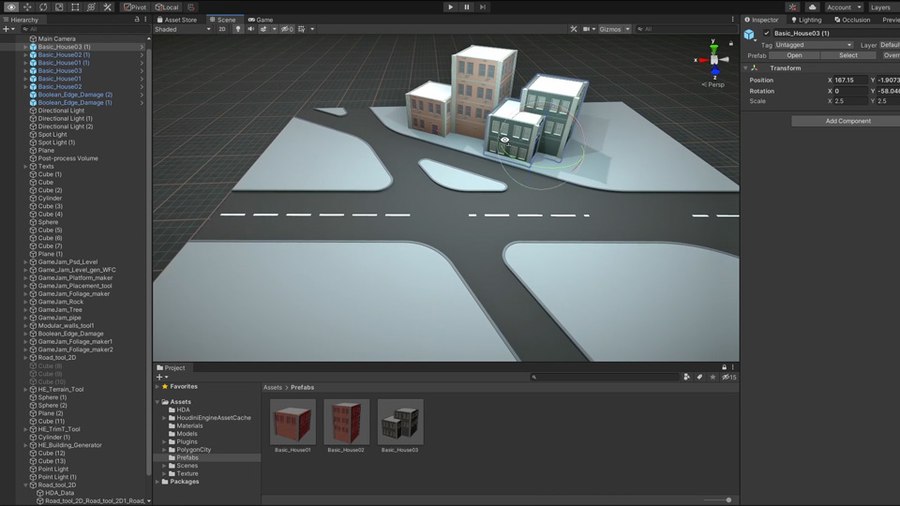
This tool lets you generate a road system using shapes in Unity to define the placement of the roads. You can then control the curbs, roads lines and platform size. You can also set up UVS and inputs for adding materials to the system.
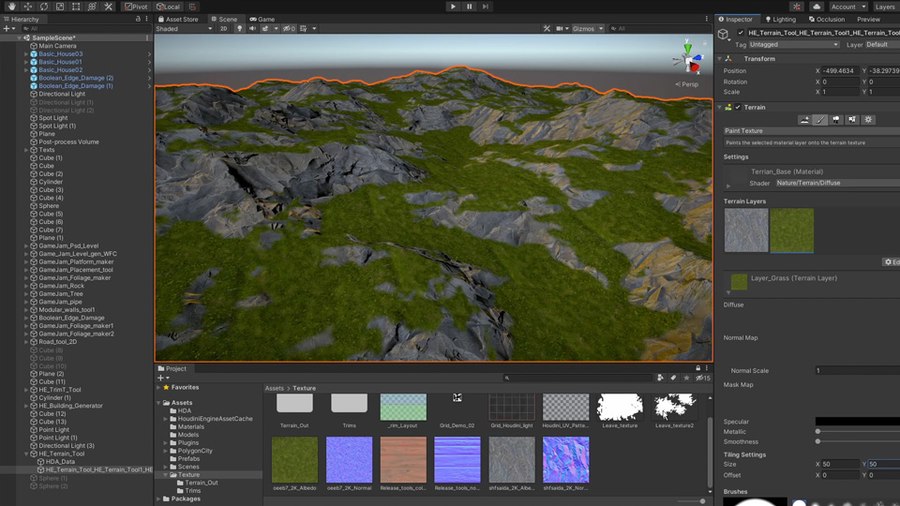
This tool lets you create different kinds of terrain using parameters such as terrain type, size and resolution. You can then input shapes to add or subtract from the terrain to sculpt the look of your landscape. You can then add noise, slump and simulate erosion to add realism to your terrain. You can then save out textures to be used to build a material for the terrain.
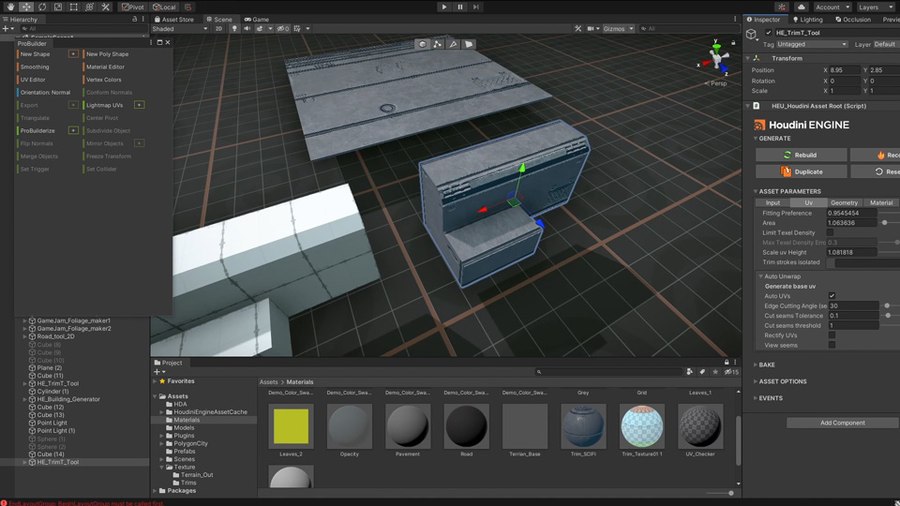
This tool lets you set up trim textures on geometry from your game. This includes tools for unwrapping the UVS and aligning them with regions on the texture. There are options for bevelling the geometry then you can add custom trim sheets that match texture you have already prepared.
Unity スターターキット (Starter Kit)
Gamedev
新しいツールを追加 | Houdini Engine for Unity スターターキット (Starter Kit) は、Unity ゲームエディタで使用できるプロシージャルゲームアートのツールセットです。 このスターターキットには、ゲーム環境強化のために即使用可能な様々な基本ツールが用意されています。 これらのツールは、Houdini Engine プラグインを介してホストアプリケーション内で使用できます。 Houdini Engine プラグインは Houdini のインストールと同時にインストールされます。
プラグインのインストール方法はこちらを参照してください: UNITY プラグイン
こちらのチュートリアル集でもこのツールの解説をご覧になれます: UNITY スターターキット
CREATED BY

コメント
thomas.foliasgr 4年, 3ヶ月 前 |
i got an error with the road tool im using unity 2019 the road its like glitched out help HELP HELP
thx i hope someone can answer
AkiDAI 3年, 3ヶ月 前 |
Bug report:
System + tools info
- Houdini version: 19.5.303
- Unity version: 2019.4.28f1 & 2020.3.38f1
- OS: Win 10
- An error message while dragging and dropping almost all HDAs into a blank unity scene:" There are undefined nodes. This is due to not being able to find specific asset definitions. You might need to load other (dependent) HDAs first."
- More details:
1. Shader lost for almost all geometries in the sample scene then needs to be relinked with Houdini's own shader manually;
2. Excluding the HDA for edge damage and rock, other HDAs have a few materials lost. Not sure whether it's caused by the location of the Material(s) folder (by default it's set as Assets/Material but all materials are actually stored in Assets/Houdini_Kit/Materials)
3. Tree trunk and foliage/leaves failed to assign gradient tint to their leaves chunks/leaves. But the branches' part looks fine;
4. Same as the error reported by the message above from Thomas Foliasgr, road tool 2D generates lots of "frames" based on unity meshes and inputs instead of plane geometries;
Does anyone have any idea about these?
Thanks in advance!
Please log in to leave a comment.